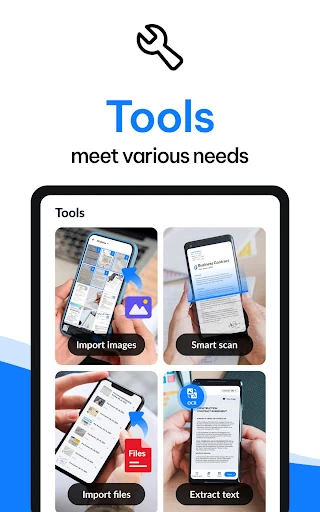
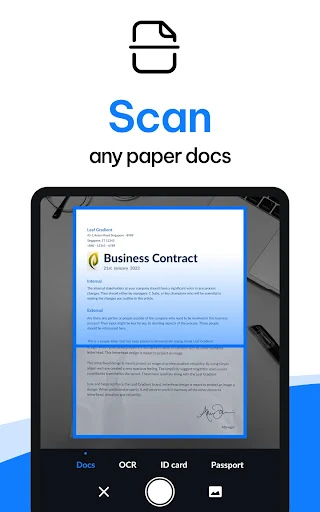
Scan paper into usable PDFs
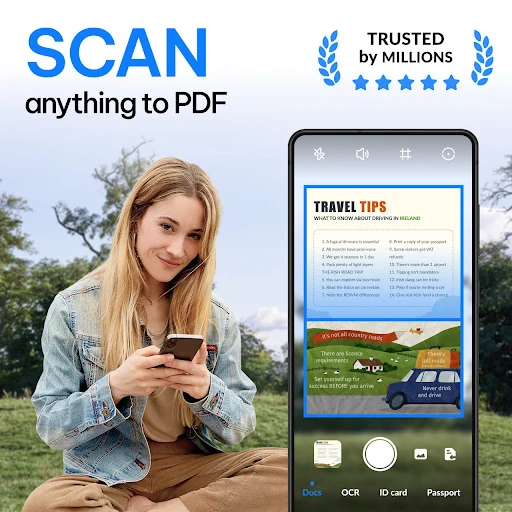
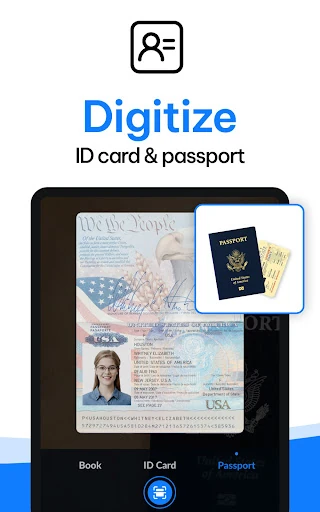
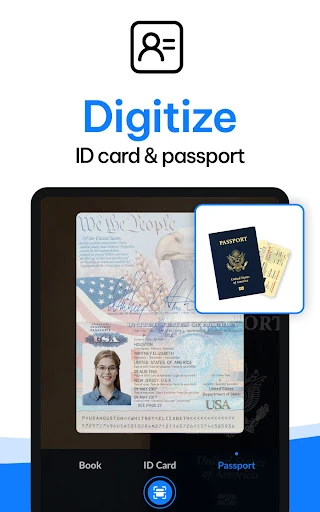
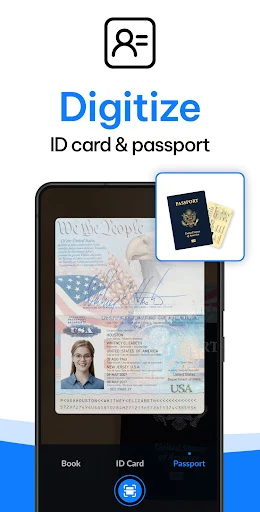
PDF Scanner - Document Scanner turns pages, receipts, forms, and other paper records into digital documents using an Android phone camera. It suits students, home users, freelancers, and office workers who need a practical way to keep paperwork ready to share or store. The app is published by Simple Design Ltd. and listed under Productivity.
Clean captures with less manual work
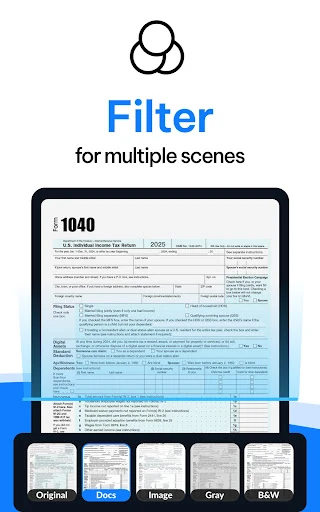
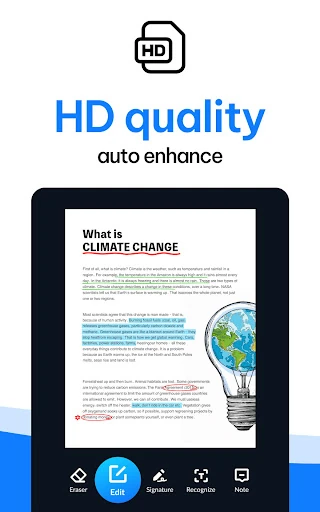
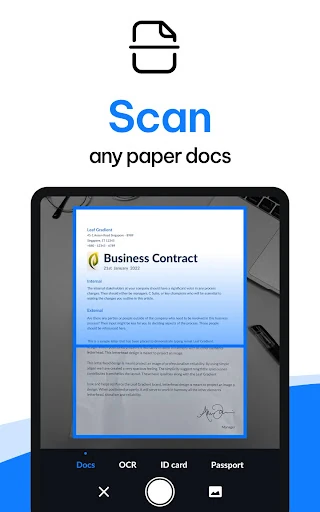
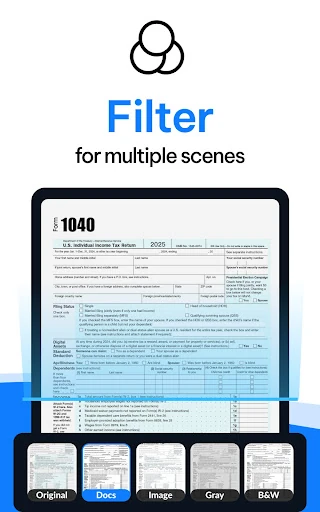
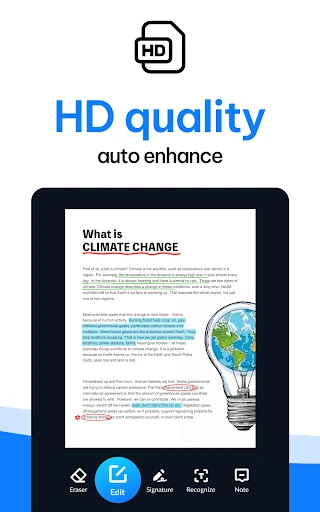
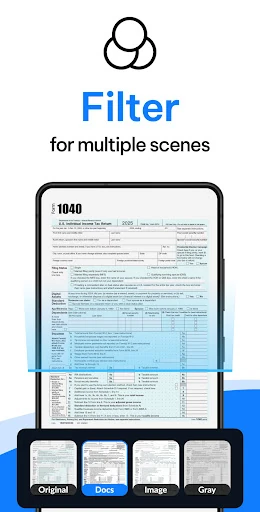
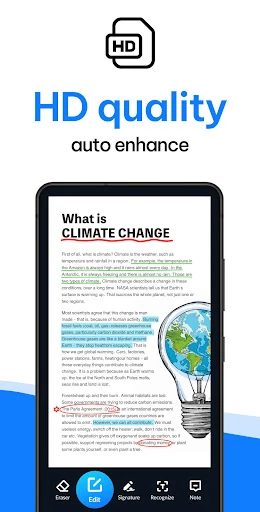
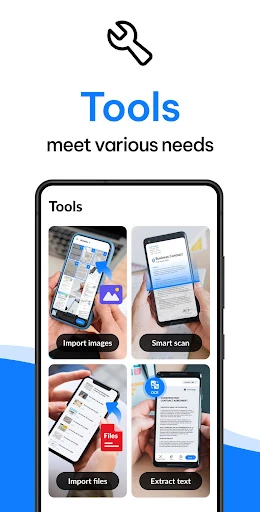
The scanner can detect document edges, crop the image, and improve the result so photographed pages are easier to read. Filters for clear, colour, and black-and-white output help handle different types of paper, including faded or unevenly lit documents. Multi-page scans can be combined into a single PDF rather than saved as separate images.
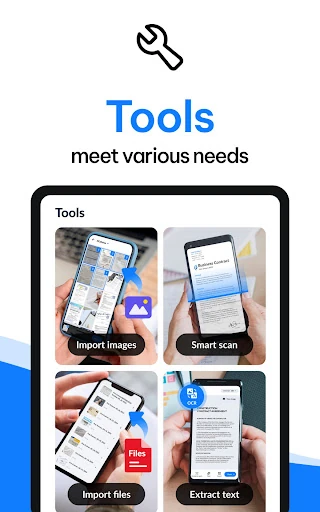
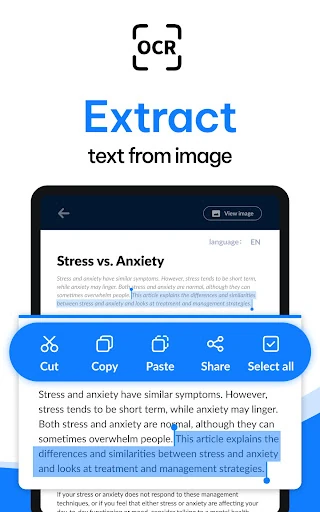
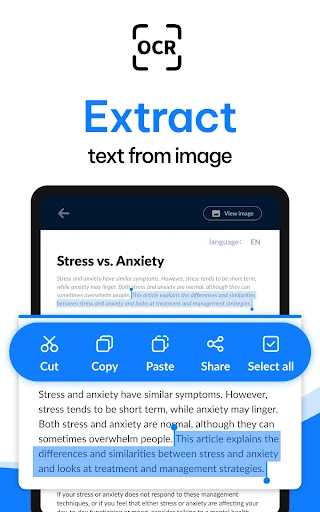
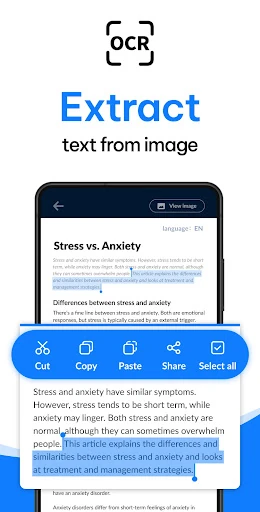
- OCR: Extract text from scanned images for searching, editing, and reuse.
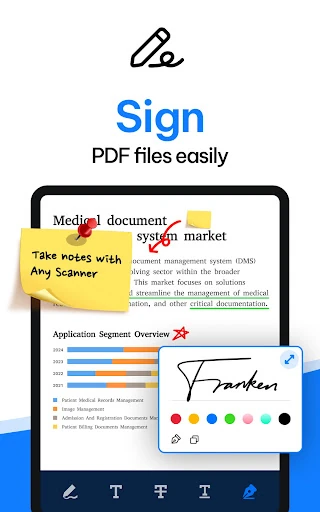
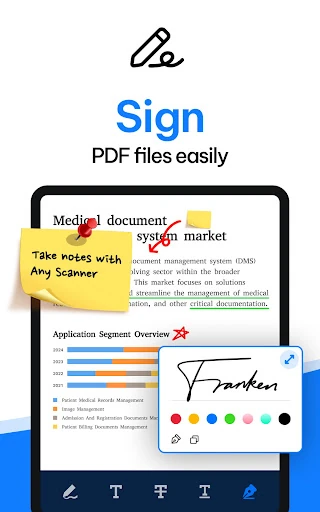
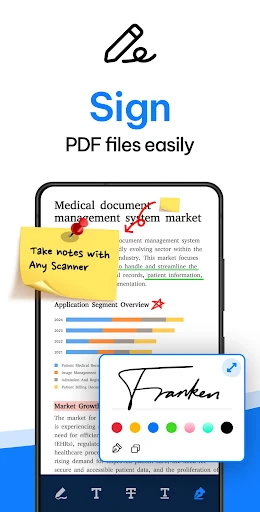
- Signing and watermarking: Add a signature or watermark to documents within the app.
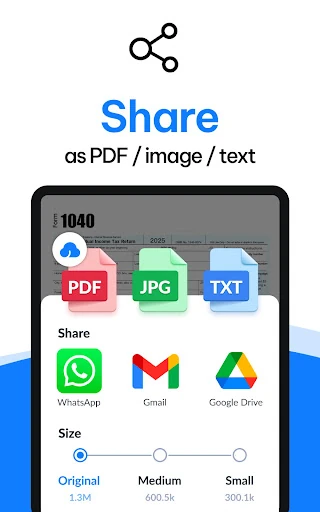
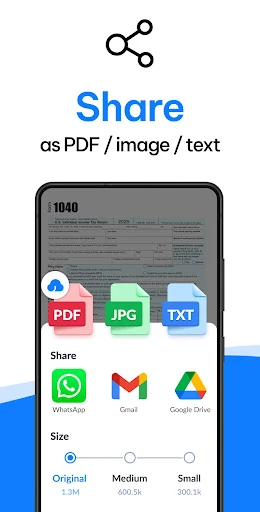
- PDF sizing: Export using common page formats such as A4, Letter, and Legal.
- Document organisation: Use folders, keyword tags, and OCR-based search to find saved files.
A well-established productivity pick
With a rating of about 4.8 out of 5 from more than 504,000 reviews, the app has broad user feedback behind it. It has also passed 10 million installs, making it a familiar choice for people replacing a basic desktop scanner with a phone-based workflow.
Best for everyday document handling
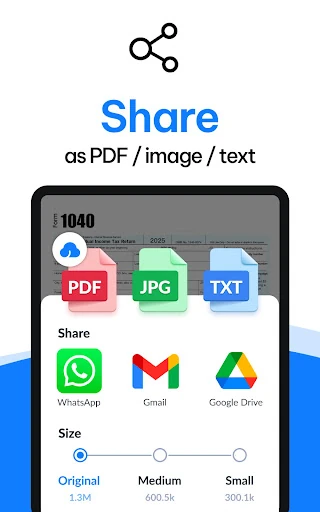
This is a good fit when the main goal is to scan, improve, organise, and send documents without moving between several separate tools. It is especially useful for occasional paperwork and routine office tasks, while users who need cloud synchronisation or multi-device backup may want to check whether those functions meet their needs before relying on it as a central archive.